In live streamed events, audio clarity is often the difference between a seamless experience and a frustrating one. Whether you are planning a funeral broadcast, a corporate conference or a school performance, ensuring that every word and musical note is heard clearly is essential for remote attendees. This article outlines the typical audio challenges faced in live streaming and provides practical steps to prevent them, based on years of professional broadcast experience.
Why audio clarity matters in live streamed events
When viewers join a live stream, sound quality quickly shapes their impression of the event. Audio is typically the first element noticed if anything goes wrong, such as distortion, echo or unexpected silence. Even with expertly shot visuals, inadequate sound can undermine the intended message and leave remote participants disconnected. For events like funerals, conferences and performances, clear audio is crucial for inclusion and understanding, especially when people cannot attend in person.
The most common causes of audio failure during live streams
Several factors can threaten audio clarity in live streaming. The wrong microphone type or poor placement often leads to muffled or distant sound. In environments such as churches or large halls, background noise from air conditioning, traffic or audience movement can interfere with speech. Room acoustics may cause echo or reverberation, making it difficult for remote viewers to follow proceedings. Technical issues are also common, including faulty cables, low batteries in wireless microphones or incorrect settings on mixing equipment, any of which can disrupt an otherwise well planned broadcast.
Planning for reliable audio Practical steps
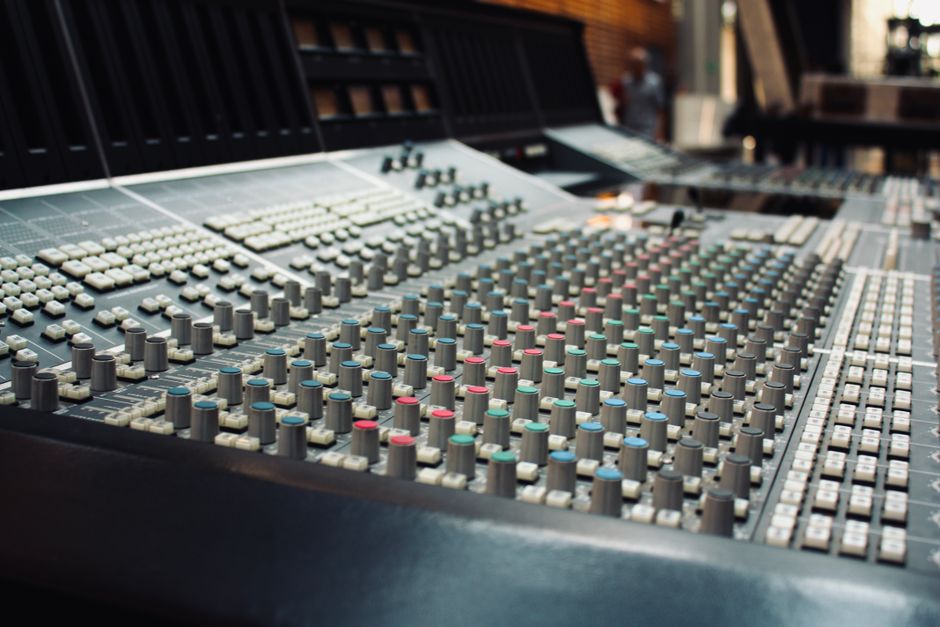
Effective audio planning minimises risk and helps ensure a professional result. Begin with a thorough test of all microphones and audio feeds before the event. Running a rehearsal, even a brief one, allows issues to be identified and resolved in advance. Choosing the right microphone for each environment is key. Lapel microphones are often best for speakers or presenters, while ambient microphones suit choirs or group performances. During the event, monitor the audio feed live through headphones. This simple practice catches subtle problems before they become noticeable to the audience.
Integrating audio with multi camera and presentation setups
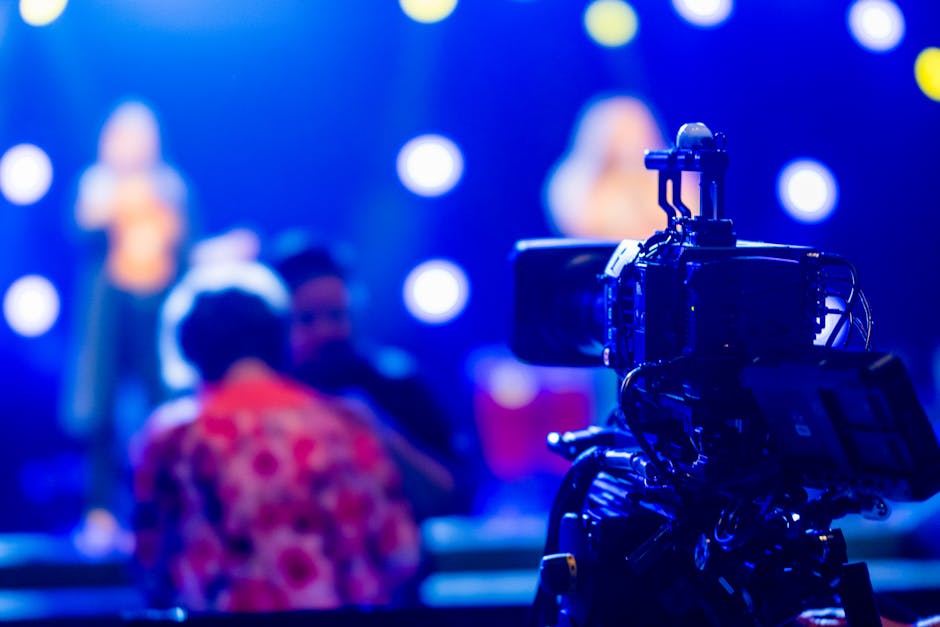
Many events require multiple cameras to cover different angles or activities. Synchronising audio between these feeds is essential to avoid distractions caused by delays or mismatched sound. Linking directly to a venue’s PA system can provide a cleaner signal, benefiting both in person and online participants. For conferences, integrating slides or PowerPoint presentations with audio commentary ensures clarity and context for remote viewers, allowing them to follow along with the same material as those present on site.
Recording and providing long term access with clear sound
Recording a backup audio feed is a prudent step for any live streamed event. This allows for high quality sharing or archiving, even if minor issues occur during the live broadcast. Families may value a clear recording of a funeral or memorial service as a lasting tribute. Similarly, businesses and schools often reuse event footage for training, compliance or sharing with those unable to attend live. Clear audio ensures the value of these recordings endures well beyond the day of the event.
Choosing a professional live streaming partner
Working with experienced videographers can make a significant difference to audio quality. Professionals anticipate and manage common challenges, from microphone selection to live troubleshooting. When evaluating providers, review their experience with sensitive environments such as funeral live streaming or large scale conferences. Samples of previous work reveal whether they maintain consistent audio quality across different event types. This care is especially important when events are private or require a discreet approach, as in religious or family settings.
Where to find help and further information
If you are planning a live streamed event and require tailored technical support, our Live Streaming service provides structured guidance and reliable production. For advice on technical setups for conferences and events, you may find our Conference & Event Filming page helpful. To understand more about integrating professional audio into your digital content, our Website Video Production section outlines further options.
Frequently Asked Questions
- What is the best way to test audio before a live stream?
Run a rehearsal using the same equipment and setup as the live event. Listen through headphones and check for background noise, clarity, and consistent volume levels. Adjust microphone placement and settings if needed. - How can I reduce background noise during a live streamed event?
Choose a quiet location, use directional microphones, and keep windows and doors closed where possible. Inform participants about sensitive microphones and encourage minimal movement near audio equipment. - Why does audio sometimes lag behind video in live streams?
Audio and video signals can become unsynchronised if multiple cameras or sound sources are used without proper integration. Using a single audio feed for all cameras and ensuring equipment is correctly linked helps maintain synchronisation.
Contact us for professional live streaming support
For structured advice and a calm, professional approach to event broadcasting, visit our Live Streaming page. We are ready to support families, businesses and organisers seeking reliable solutions for important occasions.
Disclaimer: This guidance reflects professional video production practice and does not replace venue, legal or organisational requirements.